How to sync the Earth and moon on a MoonSwatch Earthphase
To sync the Earth and moon on a MoonSwatch Mission to Earthphase, set the moon to tonight first, then make the Earth show the opposite phase: a dark Earth at full moon and a fully lit Earth at new moon. A hands-on review reports that, with the crown pulled out two clicks, the bottom pusher moves both displays and the top pusher moves the Earth on its own.
Why the Earth should be the opposite of the moon
Swatch explains it on the product page: just as we see phases of the Moon from Earth, someone standing on the Moon would see phases of the Earth. Both take about 29.5 days, but they run in reverse. When we see a full Moon, the Moon's visitor sees a "new Earth", and the other way round. That is why the Earth display turns in the opposite direction to the moon display.
A quick test: add the two together. A moon that is about 30% lit should sit next to an Earth that is about 70% lit.
| Tonight's moon | What the Earth should show |
|---|---|
| New moon (dark) | Full Earth |
| First quarter (right half lit) | Half Earth |
| Full moon | Dark Earth |
| Last quarter (left half lit) | Half Earth |
How the Earth display works
According to the review, the Earth picture itself doesn't turn. A black disc rotates over it and covers part of it, standing in for the shadow you'd see from the Moon. Like the moon disc, it moves in tiny steps rather than one jump a day, so you set both by eye. Not sure what tonight's moon looks like? See the moon phase today.
How to sync them, step by step
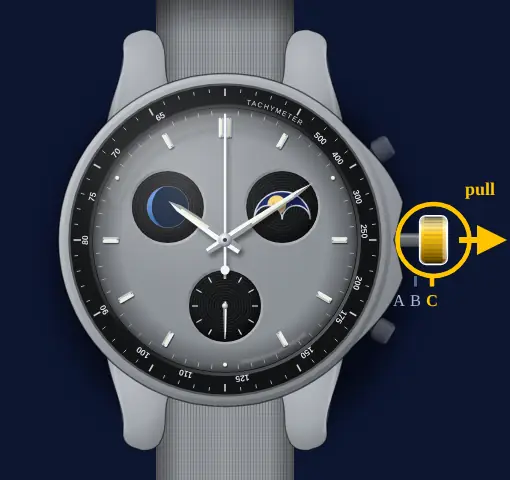
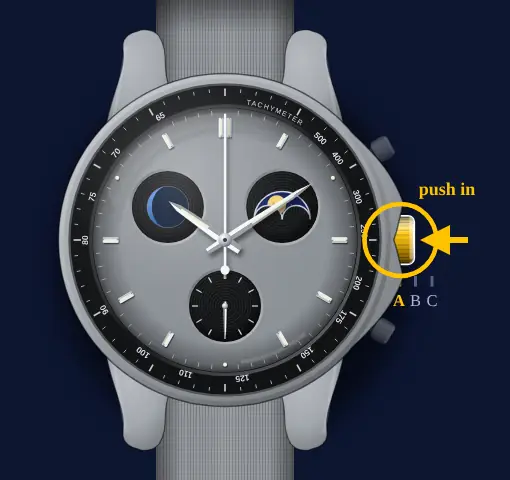
- Pull the crown out two clicks
The review notes that the middle click is an unused "phantom" date position, so go all the way to the second click.
- Hold the bottom pusher until the moon matches tonight
The review reports that this pusher advances the moon and Earth displays together.
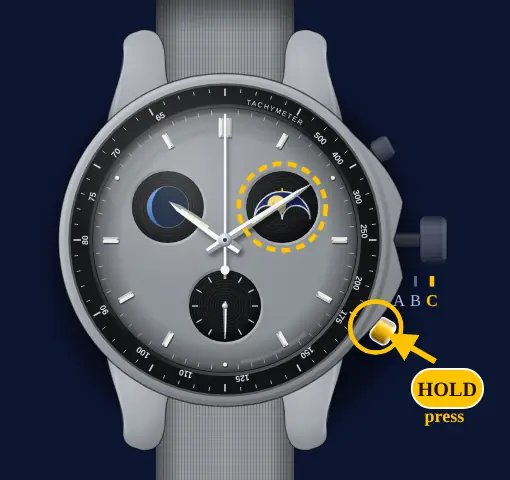
- Check the Earth
It should look like the opposite of the moon: dark when the moon is full, fully lit when the moon is new.
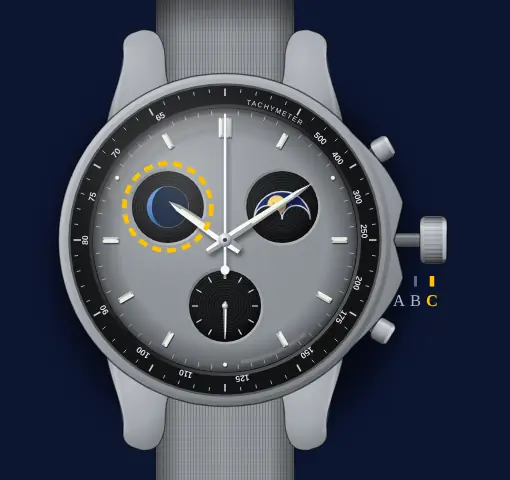
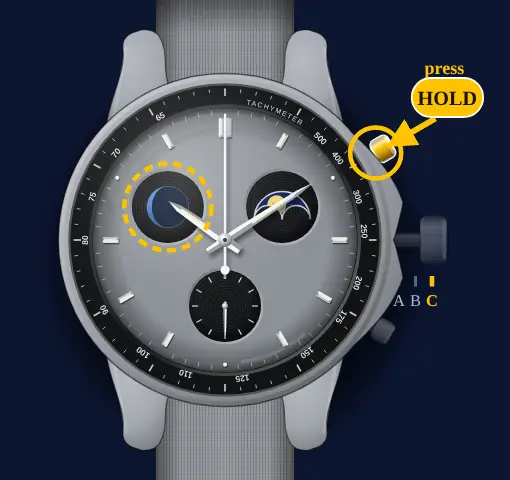
- If the Earth is wrong, hold the top pusher
The review reports that the top pusher moves the Earth display on its own. Stop when it is the opposite of the moon.
- Push the crown back in
Check the time afterwards and set it at the same crown position if it has drifted.
What we couldn't verify
- Which pusher does what. No Swatch manual, only one review.
- Whether the bottom pusher always carries the Earth with the moon. If it does, a watch that was set correctly once stays in sync, and only the top pusher can put it out.
- Whether the 2025 Moonshine Gold Earthphase editions behave the same way. They have the same layout, so we expect so.
The full Earthphase guide, with the time and the chronograph, is on the Mission to Earthphase page.