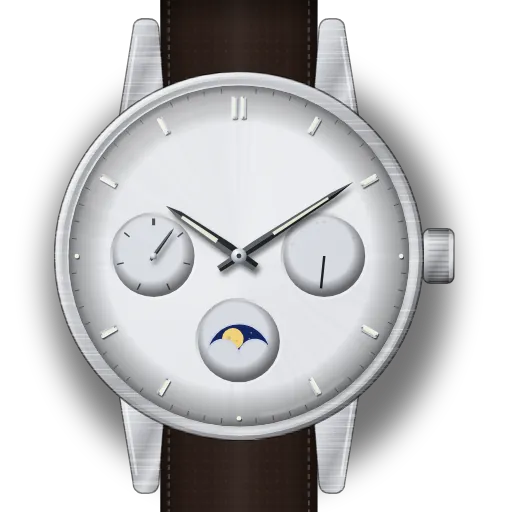
How to set a Casio moon phase watch (modules 3744 and 5722)
Short answer: To set the moon phase on a Casio analog moon phase watch, pull the crown out one click and turn it away from you. On module 3744 (day, date and moon dials, e.g. MTP-M300) Casio says to go until the window is empty, then slowly on to the current phase; towards you at that click sets the date. On module 5722 (three hands and a moon dial, e.g. MTP-M100) turn until it shows the current phase. The time is at the second click.
At a glance
| Which guide is yours | Three small dials (day at 9, date at 3, moon at 6): module 3744. Three hands and only a moon dial at 6: module 5722. |
|---|---|
| Models | Retailer listings give module 3744 for the MTP-M300 and MTP-M305, and 5722 for the MTP-M100 and MTP-M105. Casio's own model pages didn't load for us. |
| Crown, module 3744 | Pushed in = normal. First click = date (turn towards you) and moon (turn away from you). Second click = time and day of the week. |
| Crown, module 5722 | Normal, Click 1 = moon phase (turn away from you), Click 2 = time. |
| Is the moon linked to the date? | No. Both guides set the moon on its own. On the 3744 the moon and date share the first click but turn opposite ways. |
| No-setting window | Module 3744: "Avoid setting the day-date between 8:00 p.m. and 1:00 a.m." The 5722 guide gives no window. |
| 24-hour hand | Neither module has one. |
| Moon picture | Casio draws the moon as seen at noon from the Northern Hemisphere, facing south. South of the equator, or near it, left and right are reversed. |
| Module 5722 specs | About ±20 seconds a month. Battery SR621SW, about 3 years. |
What do you need to set?
Module 3744: day, date and moon dials (e.g. MTP-M300)
Module 5722: three hands and a moon dial (e.g. MTP-M100)
Module 3744: day, date and moon dials (e.g. MTP-M300)
Three small dials: day of the week at 9, date at 3, moon at 6. Steps from Casio's Operation Guide 3744.
Module 3744: set the moon phase
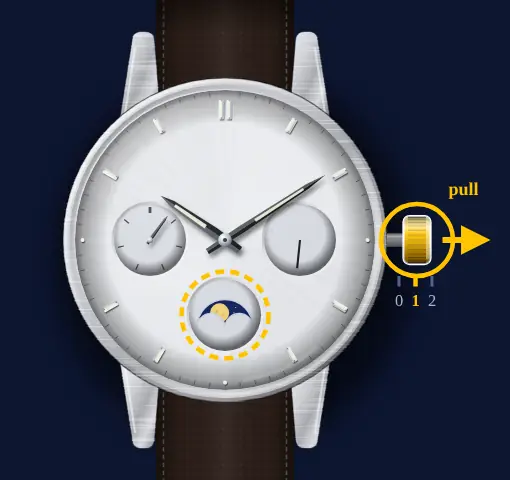
- 1
Pull the crown to the first click
One click out is the date and moon position. On a model with a screw lock crown, unscrew it first.
- 2
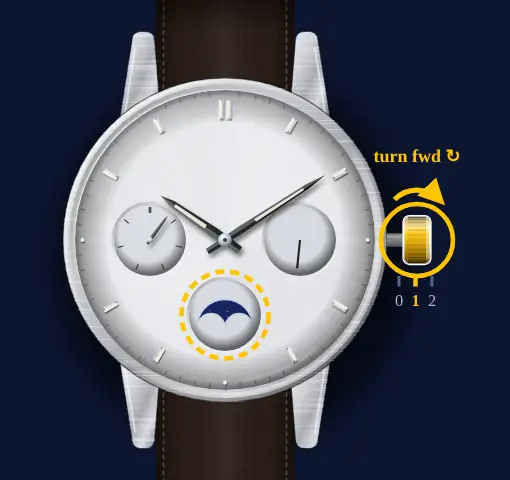
Away from you until the window is empty
Turn the crown away from you until no moon shows at all. That is moon age 0, the new moon. Turning towards you moves the date instead.
- 3
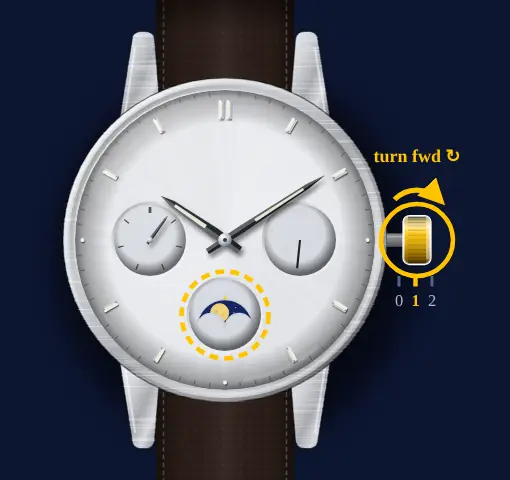
Slowly on to tonight's moon
Keep turning away from you, slowly, until the window matches the moon tonight. Age 7 is first quarter, 15 full, 22 last quarter.
- 4
Push the crown back in
Back to the normal position. Screw a screw lock crown fully in again.
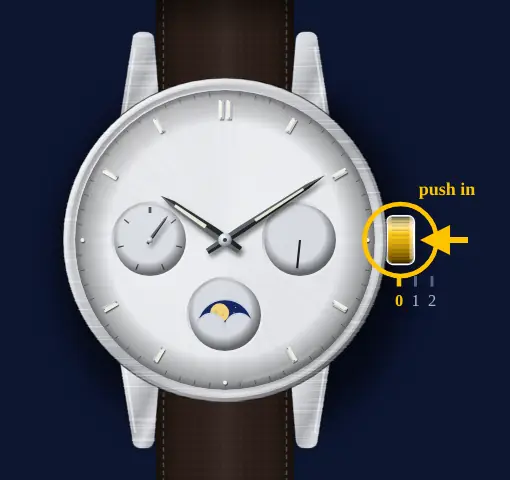
Module 3744: set the date
- 1
Not between 8 p.m. and 1 a.m.
Look at the hands before you touch the crown. If they show a time in that span, wait until later.
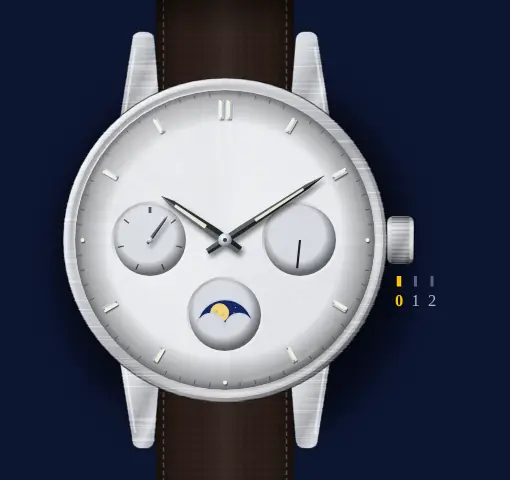 ⚠️ Avoid 20:00–01:00 on the dial. Casio: "Avoid setting the day-date between 8:00 p.m. and 1:00 a.m." If you do, the guide says the day-date may not change the following day.
 - 2
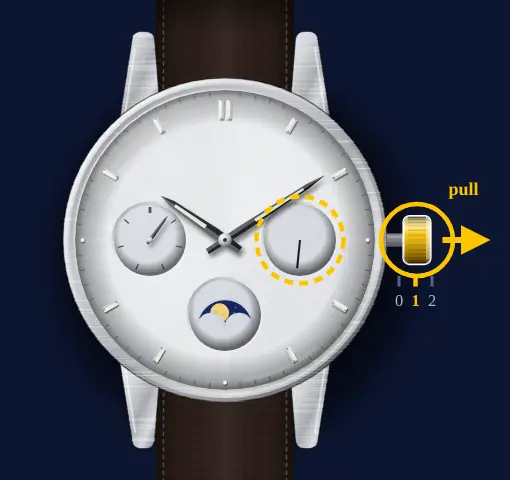
Pull the crown to the first click
One click out. Unscrew a screw lock crown first.
- 3
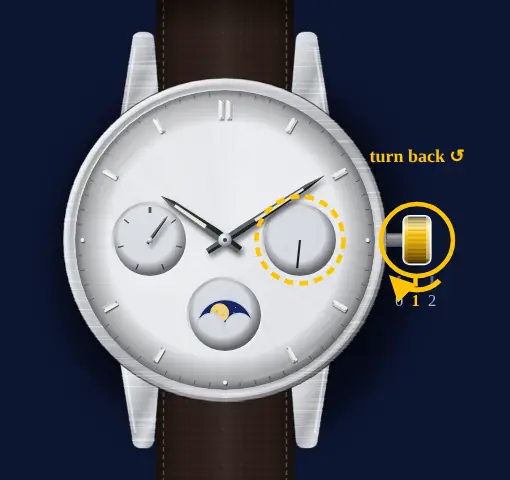
Towards you to move the date on
The date hand on the right-hand dial advances as you turn. Stop on today. Turning away from you moves the moon, not the date.
- 4
Push the crown back in
Back to the normal position.
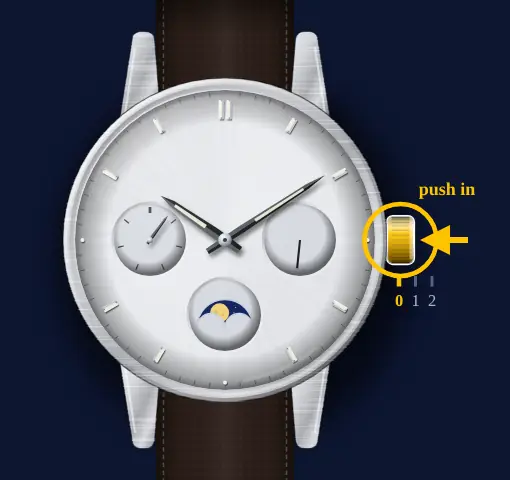
Module 3744: set the day of the week
- 1
Not between 8 p.m. and 1 a.m.
Casio's day-date warning covers the weekday too. Check the hands first.
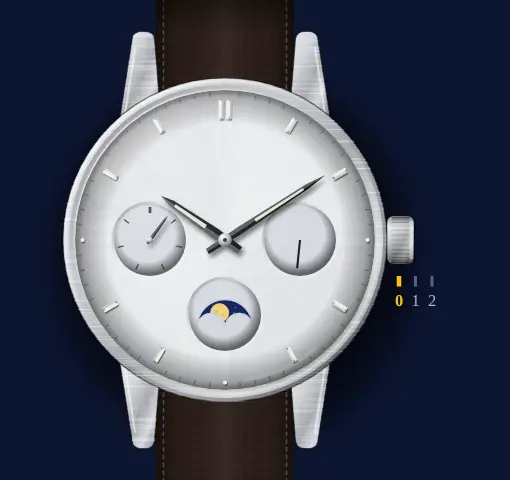 ⚠️ Avoid 20:00–01:00 on the dial. Casio: "Avoid setting the day-date between 8:00 p.m. and 1:00 a.m." If you do, the guide says the day-date may not change the following day.
 - 2
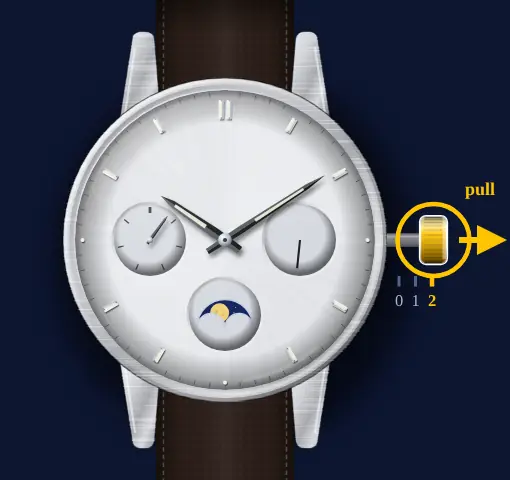
Second click with the seconds at 12
Wait for the seconds hand to reach 12, then pull the crown all the way out. The seconds hand stops.
- 3
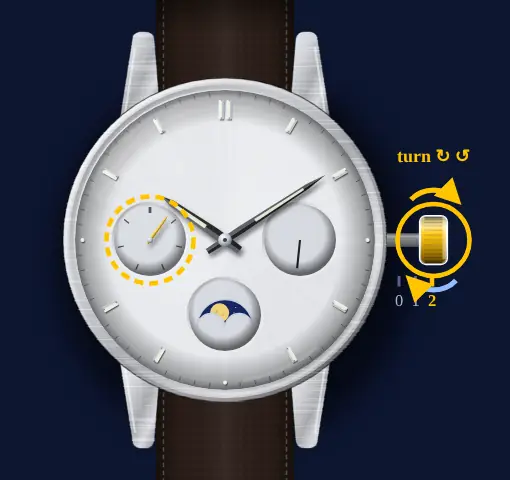
Run the hands past midnight
There is no separate weekday setting. Each time the hands pass midnight the day of the week moves on, so keep turning until it shows today.
- 4
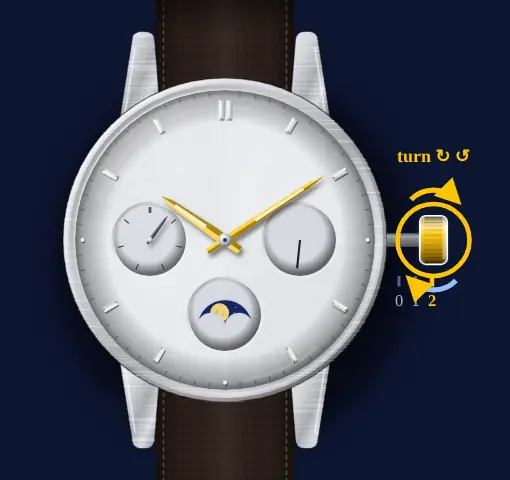
Then set the time, AM or PM right
Turn on to the current time. Casio asks you to make sure AM or PM is correct.
- 5
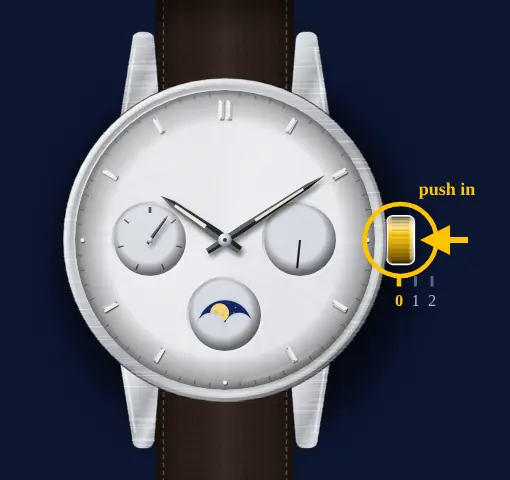
Push in at the top of a minute
Use a time signal, for example from radio or TV, and push the crown in on it.
Module 3744: set the time
- 1
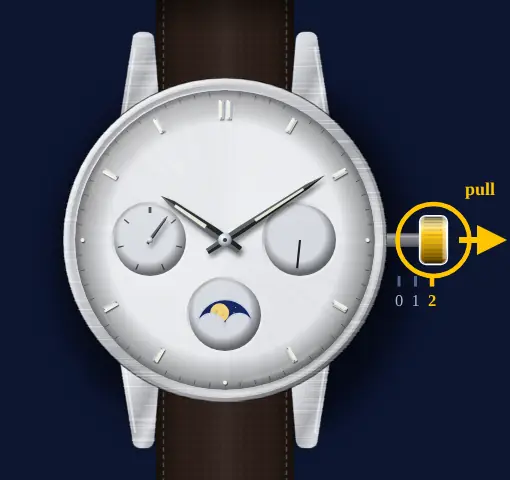
Second click with the seconds at 12
Pull the crown all the way out when the seconds hand reaches 12. It stops there.
- 2
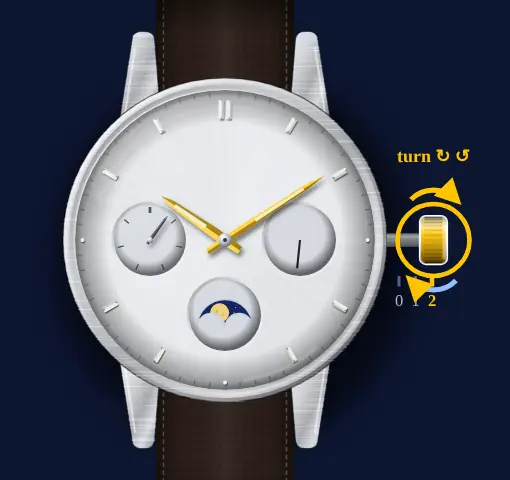
Set the time, AM or PM right
Turn the crown to move the hands. Passing midnight also moves the day of the week on.
- 3
Push in at the top of a minute
Push the crown back in on a time signal and the watch runs again.
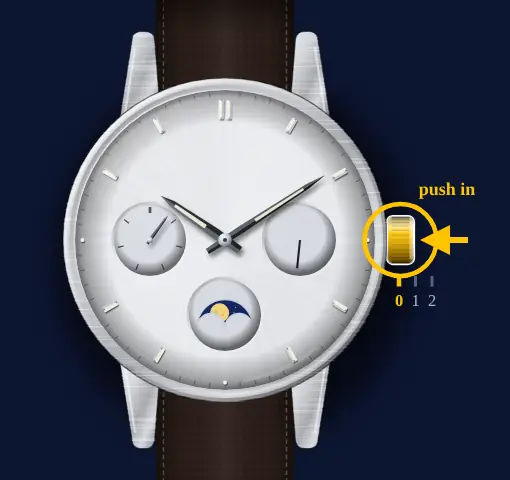
Module 5722: three hands and a moon dial (e.g. MTP-M100)
Hour, minute and second hands with the moon phase indicator at 6, and no date. Steps from Casio's User's Guide 5722. If your crown screws in, it's a 10 or 20 bar model: turn it towards you to unscrew it before you pull it.
Module 5722: set the moon phase
- 1
Pull the crown to Click 1
One click out. On a 10 or 20 bar model the crown screws in: turn it towards you to unscrew it first.
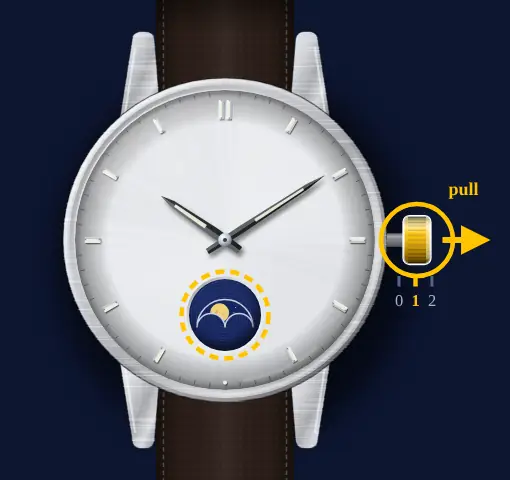
- 2
Away from you to tonight's moon
Turn the crown away from you until the indicator shows the moon tonight. Age 0 is new moon, 7 first quarter, 15 full, 22 last quarter.
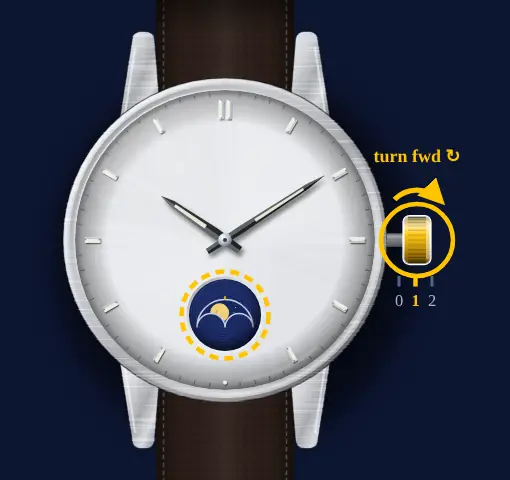
- 3
Push the crown back in
Screw it fully back in if it screws, or it isn't water resistant.
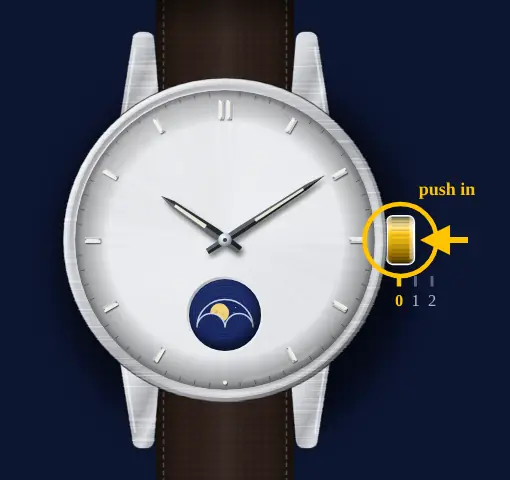
Module 5722: set the time
- 1
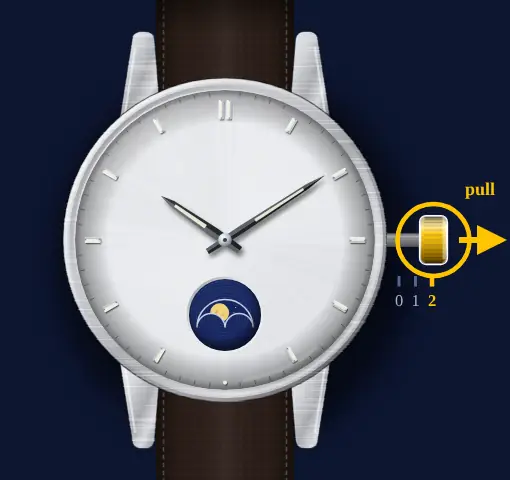
Click 2 with the seconds at 12
Wait for the second hand to reach 12, then pull the crown out to Click 2.
- 2
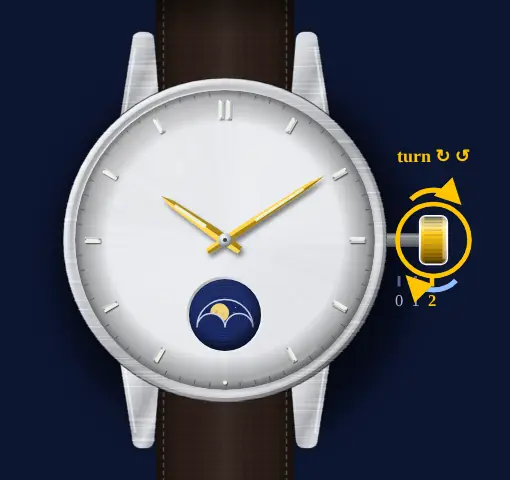
Past the time, then back
Move the minute hand four or five minutes past the time you want, then back to it. Get AM or PM right: the moon indicator moves on at around 2:00 a.m.
- 3
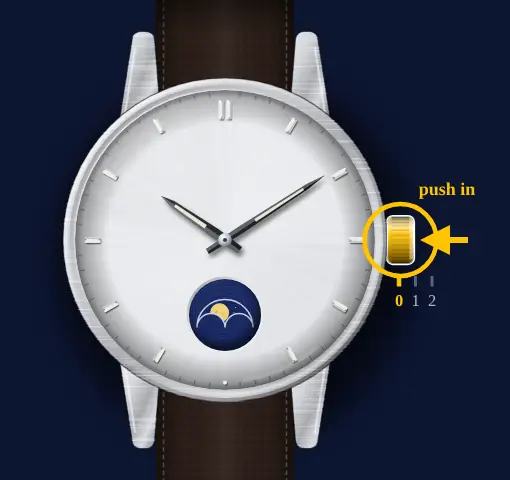
Push in on a time signal
The watch starts timekeeping again.
What owners run into
- Turned the crown towards you at the first click and the date moved? On the 3744 that direction is the date. Turn away from you for the moon.
- Went past tonight's moon on the 3744? Casio's method starts from the empty window, so keep turning away from you until it's empty again, then go on slowly.
- On the 3744 there's no quick way to set the weekday. You run the hands round past midnight until it changes.
- The moon on a 5722 moves on at around 2:00 a.m. If it moves mid-afternoon, AM and PM are swapped: run the hands round 12 hours.
- In Australia or South America the lit side looks the wrong way round. Casio says the picture is the Northern Hemisphere view, so it's mirrored where you are.
- Screw crown: it's not water resistant until you screw it fully back in.
How it differs from similar watches
Like the Citizen Calendrier, the 3744 shows the day and date with hands and an empty window for the new moon, but it has no month. The Tissot quartz moon phase is set from the full moon instead. For the general crown method see setting a moon phase with the crown, and check tonight's phase on moon phase today.
Models covered by this guide
The two modules set up differently, so each has its own steps above. The model names come from retailer listings, not from Casio, so go by the dial layout if in doubt.
Casio moon phase with day and date dials (module 3744, e.g. MTP-M300)
Ref. e.g. MTP-M300, MTP-M305 · cal. Casio module 3744
Casio three-hand moon phase (module 5722, e.g. MTP-M100)
Ref. e.g. MTP-M100, MTP-M105 · cal. Casio module 5722
Three hands and a moon dial at 6, no date or day. Its own steps are in the Module 5722 section above, from Casio's User's Guide 5722.
Quick answers
How do I set the moon phase on a Casio moon phase watch?
Pull the crown out one click and turn it away from you. On module 3744 Casio says to go until the window is empty (new moon), then slowly on to the current phase. On module 5722 you turn away from you until it shows the current phase. Push the crown back in.
Which way do I turn the crown?
Away from you for the moon on both modules. On the 3744, towards you at the same click moves the date.
Is the moon phase linked to the date?
Not when you set it. Both of Casio's guides set the moon with its own crown step.
When should I not set the date on a Casio MTP-M300?
With the hands between 8:00 p.m. and 1:00 a.m. Casio's 3744 guide says the day-date may then not change the next day.
Why is my Casio moon the wrong way round?
Casio draws the moon as seen from the Northern Hemisphere. In the Southern Hemisphere or near the equator, left and right are reversed.
Does a Casio MTP-M100 have a date?
Casio's 5722 guide shows hour, minute and second hands and a moon phase indicator only, with no date.