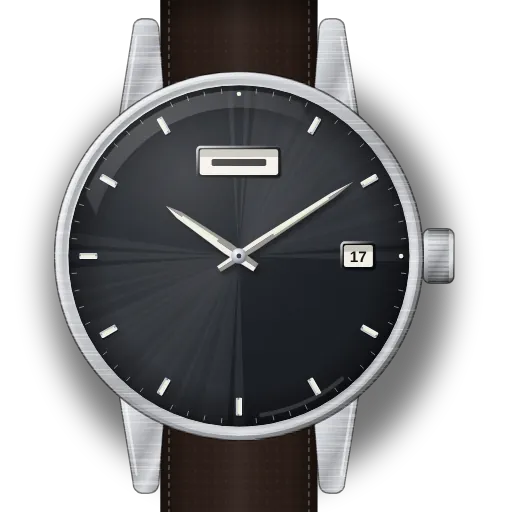
How to set a Seiko 5 automatic (4R36): day, date and winding
Short answer: To set the day and date on a Seiko 5 Sports with calibre 4R36, pull the crown to the first click. Turn it clockwise to yesterday's weekday and counter-clockwise to yesterday's date. At the second click, wind the hands on until the date changes, then on to the right time. Seiko says never to set the day or date while the watch shows between 9:00 p.m. and 4:00 a.m.
At a glance
| Calibre | 4R36: automatic, hand-winding, 24 jewels, 21,600 beats an hour |
|---|---|
| Crown | 0 = hand-winding, 1 = day (clockwise) and date (counter-clockwise), 2 = time, with the seconds hand stopped |
| No-setting window | Seiko: "Do not set the date or the day of the week between 9:00 p.m. and 4:00 a.m." |
| Date and day change | Date around midnight, day around 4 a.m. |
| Power reserve | About 41 hours fully wound. About 20 crown turns from a full stop. |
| Screw-down crown? | The 4R36 manual covers both kinds. Seiko's SRPD55 spec sheet lists a screw case back but no screw-down crown. If your crown won't turn pushed in, unscrew it. |
| Rated accuracy | +45 to −35 seconds a day, worn at 5–35 °C |
What do you need to set?
Set the date
- 1
Look at the hands first
Seiko rules out setting the day or the date while the watch shows between 9 p.m. and 4 a.m.
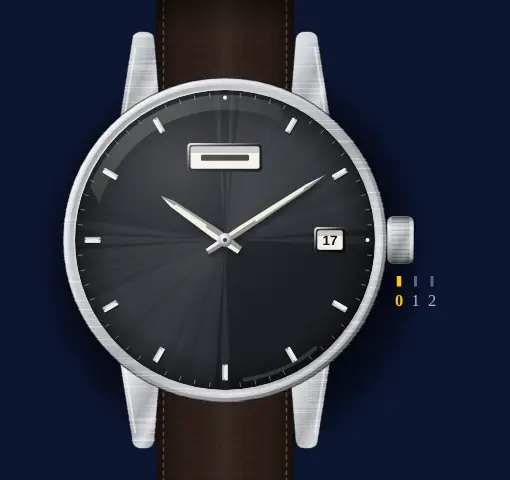 ⚠️ Avoid 21:00–04:00 on the dial. Seiko: "Do not set the date or the day of the week between 9:00 p.m. and 4:00 a.m." The manual says it may stop them changing the next day, or cause damage.
 - 2
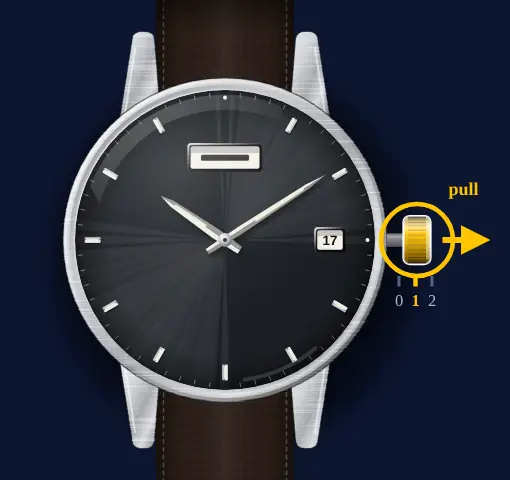
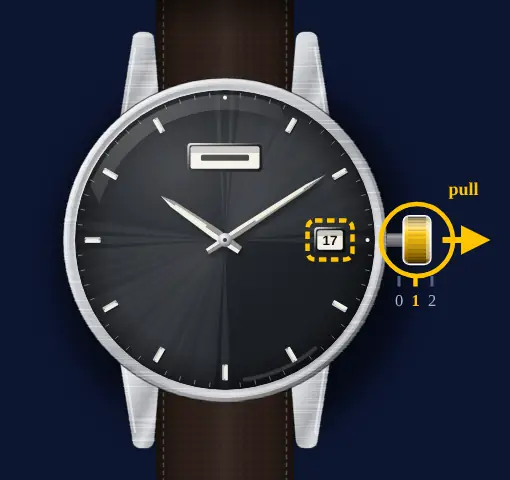
Pull the crown to the first click
If the crown will not turn when pushed in, it is a screw-down crown: unscrew it before pulling.
- 3
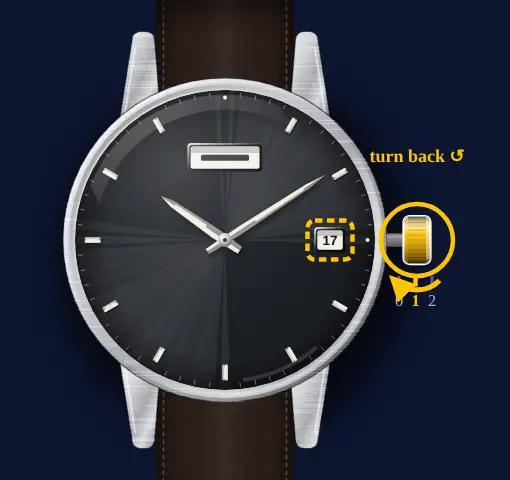
Counter-clockwise: yesterday's date
Seiko's example: for the 6th, set 5. Then turn clockwise to put the weekday one day back as well, because both move on when you set the time.
 Showing 31 on the 1st after February or a 30-day month? Turn counter-clockwise to 1 and push the crown back in. Nothing else is needed.
 - 4
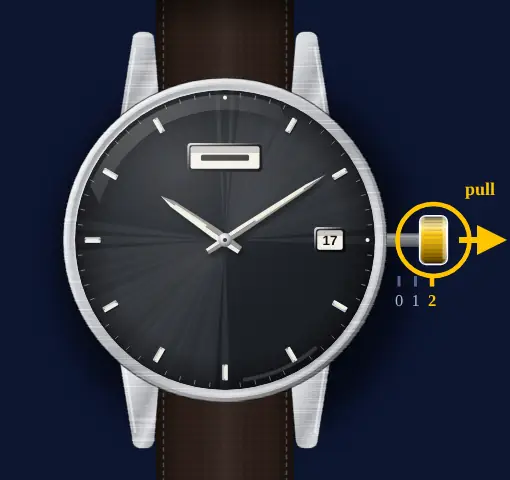
Second click with the seconds at 12
Pull the crown out once more as the seconds hand reaches 12. It stops there.
- 5
Wind the hands on past the date change
Keep turning until the date jumps to today. That jump means morning, so carry on to the right time.
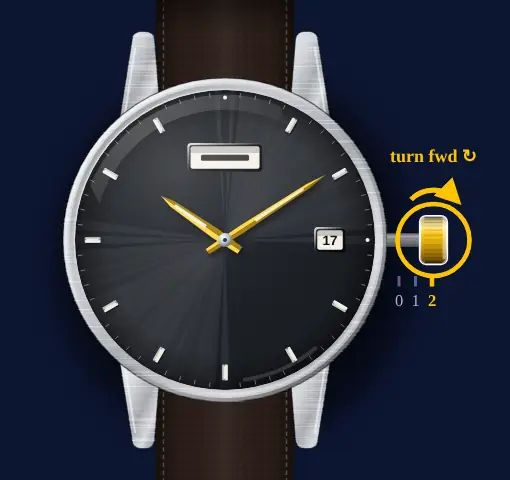 The day flips later, at around 4 a.m. on the dial.
 - 6
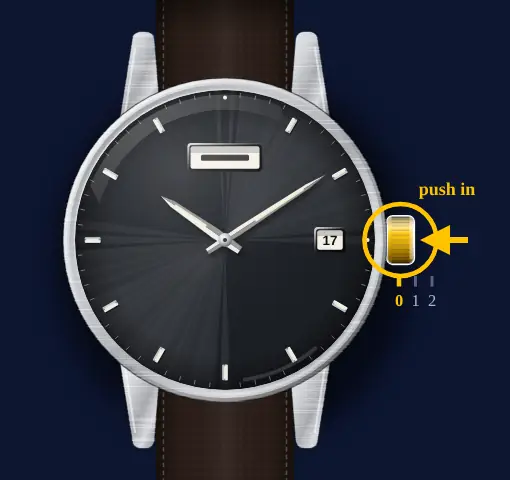
Push in on a time signal
The seconds hand starts at once. Screw a screw-down crown back in.
Set the day of the week
- 1
Not between 9 p.m. and 4 a.m.
Read the hands before touching the crown. If they show a time in that span, Seiko says to leave the day and date alone.
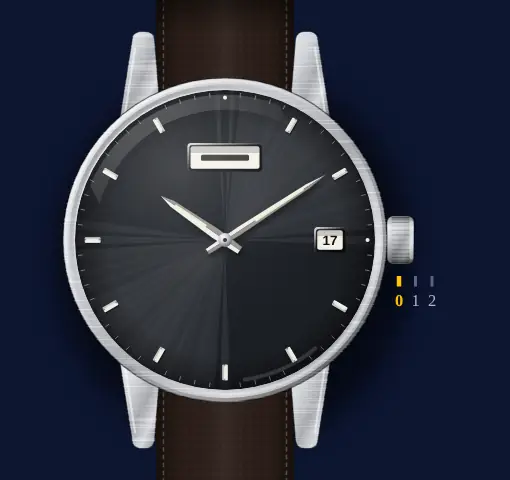 ⚠️ Avoid 21:00–04:00 on the dial. Seiko: "Do not set the date or the day of the week between 9:00 p.m. and 4:00 a.m." The manual says it may stop them changing the next day, or cause damage.
 - 2
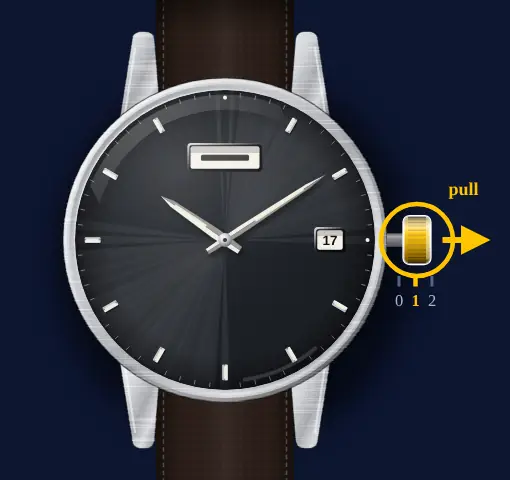
First click (unscrew first if needed)
A crown that won't turn while pushed in screws down. Undo it, then pull it out one click.
- 3
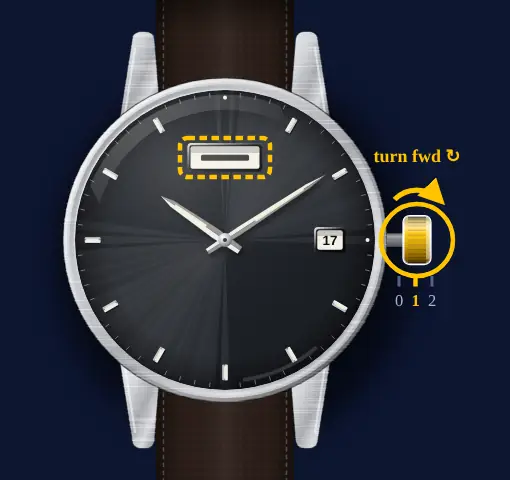
Day and date both to yesterday
Clockwise steps the weekday, counter-clockwise the date. Leave both one day behind; on a two-language wheel, finish on your language.
- 4
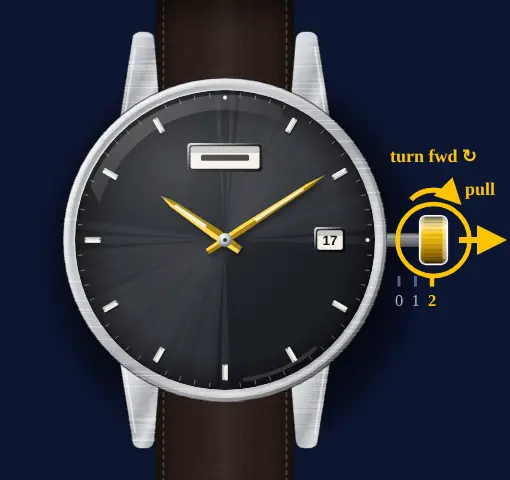
Fully out, hands forward through midnight
At the second click the seconds hand halts. Turn the hands on until the date ticks over, then keep going to the current time.
- 5
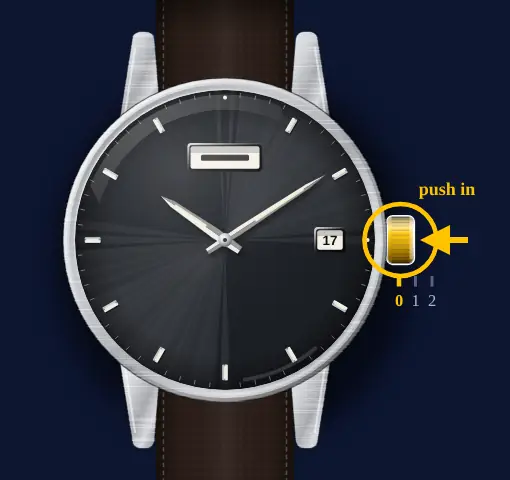
Crown in on a time signal
Push it home on the signal and the watch runs again. Lock a screw-down crown.
Set the time
- 1
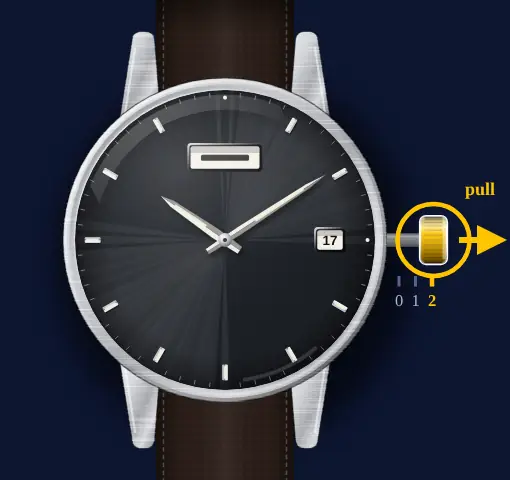
Second click with the seconds at 12
Pull the crown all the way out as the seconds hand passes 12; the hand stops.
- 2
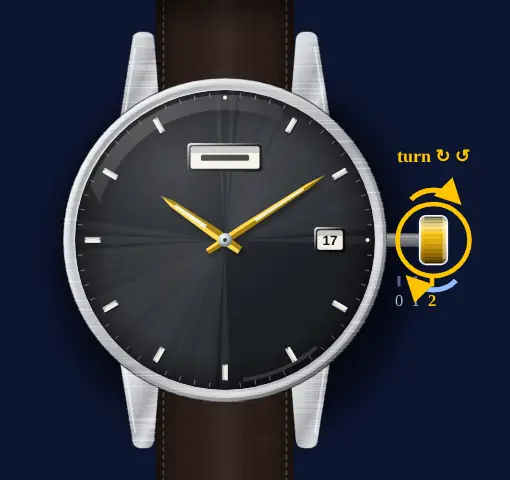
Back a little, then forward
Bring the minute hand a little behind the minute you want, then forward onto it.
 Date flipping at noon instead of midnight? The hands are 12 hours out. Wind them on by 12 hours.
 - 3
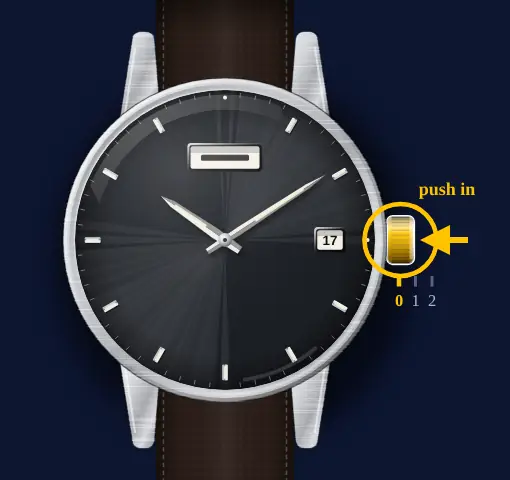
Push in on a time signal
The seconds hand starts at once. Screw a screw-down crown back in.
Start it when it has stopped
- 1
Crown pushed in, turn clockwise
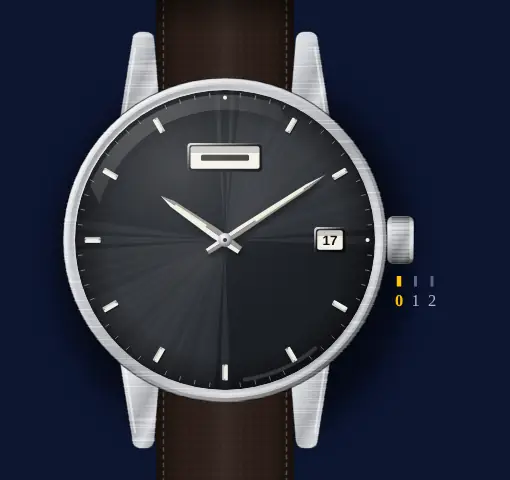
In the normal position the crown hand-winds the 4R36. Unscrew it first if it screws down, then turn it slowly clockwise; counter-clockwise does not wind it.
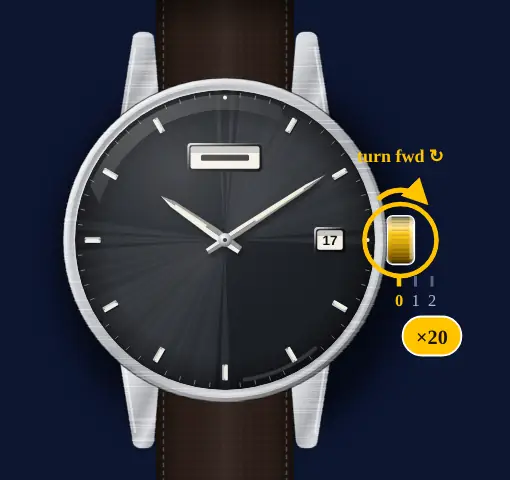 From a full stop Seiko says about 20 turns. You can't break the mainspring by turning more.
 - 2
No tick yet? Swing it gently
A wound-up 4R36 may not restart straight away. Moving it side to side gets the seconds hand going sooner.
- 3
Then set the day, date and time
Do this before you put it on. A full wind runs it for about 41 hours.
What owners run into
- Weekday in the wrong language? On a two-language day wheel, Seiko says to pick yours while setting the day: keep turning clockwise until it shows.
- Date jumping at noon means AM and PM are swapped (the day then flips around 4 p.m.). Wind the hands on by 12 hours.
- On the 1st after February or a 30-day month the window reads 31. First click, then counter-clockwise to 1.
- Gaining or losing when it sits in a drawer? Seiko suggests wearing it more than 10 hours a day, or winding it fully at the same time every day.
How it differs from similar watches
The Seiko 6R24 shows the day and date with hands and simply ignores the crown from 9:30 p.m. to 2:00 a.m. The 4R36 uses windows, and Seiko warns that setting them between 9:00 p.m. and 4:00 a.m. may cause damage.
Quick answers
Which way does the crown set the date on a Seiko 5 Sports?
At the first click, counter-clockwise sets the date and clockwise sets the day.
How many turns does it take to wind a Seiko 5 Sports by hand?
About 20 clockwise turns with the crown pushed in, from a full stop. Counter-clockwise does not wind it, and extra turns will not break the spring.
When should I not change the date on a Seiko 4R36?
When the watch shows between 9:00 p.m. and 4:00 a.m. Seiko says setting the date or day then may stop them changing the next day, or cause damage.
How long does a Seiko 4R36 run when fully wound?
About 41 hours.