How to set your Swatch watch
Swatch does not publish calibre numbers for its quartz chronographs, so the right guide depends on the dial and the reference, not the movement.
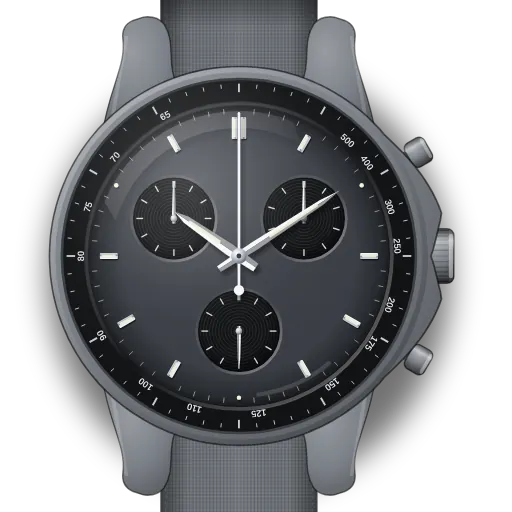
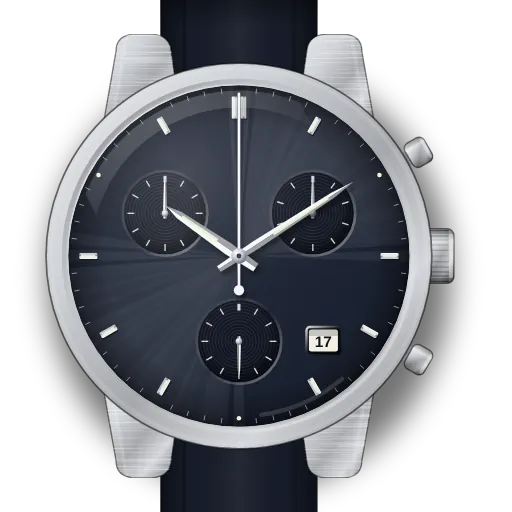
The planet MoonSwatch models set like Swatch's own chronographs: the crown has three positions, A, B and C. If a chronograph hand stops short of zero, which Swatch says can happen after a battery change or a hard shock, the two pushers move the 1/10 s and seconds hands at B and the top pusher moves the minutes hand at C.
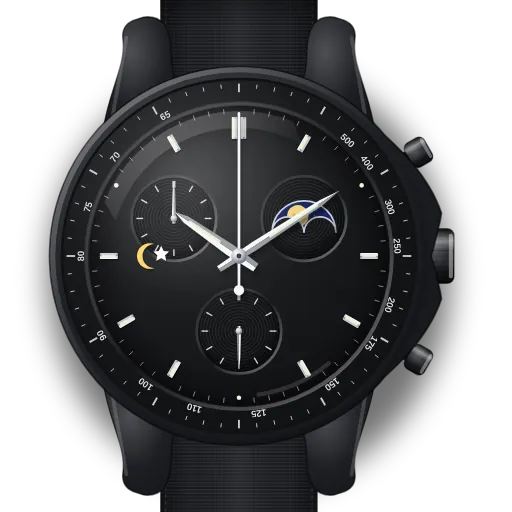
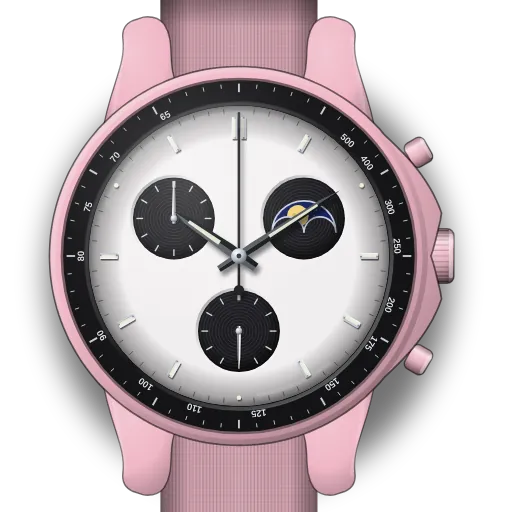
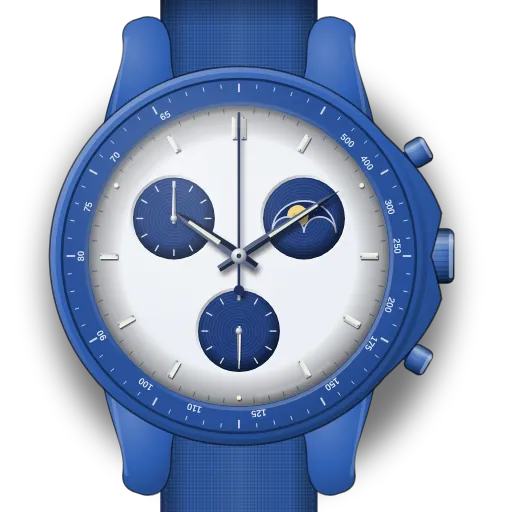
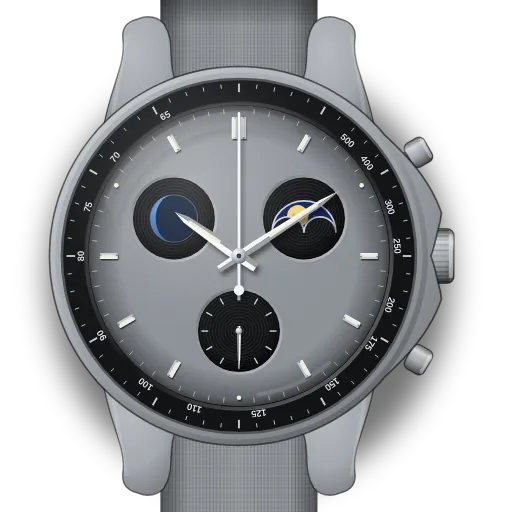
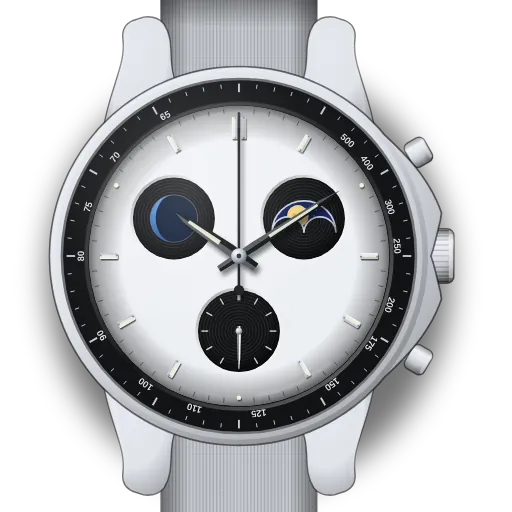
The Mission to the Moonphase models label the crown I, II and III instead. At III you turn the crown to set the time and press pusher B to move the moon.
Swatch has not published a manual for the Mission to Earthphase, so those two guides are marked partial and say which steps are unconfirmed.
Find your model
Swatch prints a reference such as SO33A100 on each product page. Look yours up below; models that set up identically share one guide.
| Reference | Model |
|---|---|
| SO33A100 | Mission to Mercury |
| SO33J100 | Mission to the Sun |
| SO33P100 | Mission to Venus |
| SO33G100 | Mission on Earth |
| SO33M100 | Mission to the Moon |
| SO33R100 | Mission to Mars |
| SO33C100 | Mission to Jupiter |
| SO33T100 | Mission to Saturn |
| SO33L100 | Mission to Uranus |
| SO33N100 | Mission to Neptune |
| SO33M101 | Mission to Pluto |
| various | Moonshine Gold editions (Mission to the Moon / Sun / Mars…) |
| SO33B700 | Mission to the Moonphase — New Moon |
| SO33W700 | Mission to the Moonphase — Full Moon |
| SO33P700 | Mission to the Pink Moonphase |
| SO33N700 | Mission to the Super Blue Moonphase |
| SO33M700 | Mission to Earthphase |
| SO33N701L, SO33N702L, SO33N703L, SO33N704L, SO33W701L | Mission to Earthphase — Moonshine Gold editions (Sturgeon, Harvest, Hunter's, Beaver, Cold Moon…) |
| various | Swatch quartz chronograph (Irony / Chrono, 1/10 s counter) |