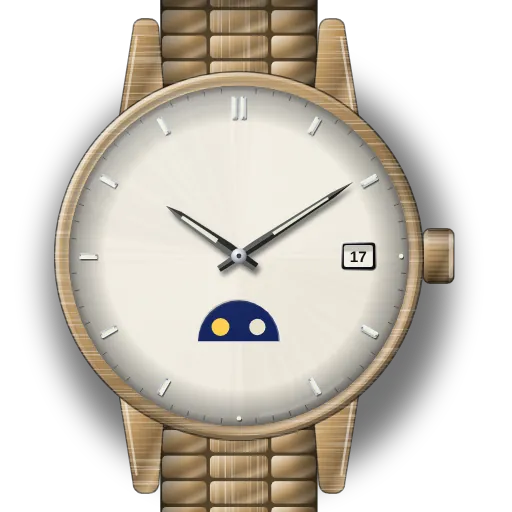
How to set your Fossil sun and moon watch
I have one Fossil guide. It covers two kinds of Fossil quartz watch that look like moon phase watches: sun-moon dials with movement PC39A, and day-date models with movement VX43. The steps come from Fossil's watch instructions.
Neither movement has a real moon phase. So first find which kind you have.
On a PC39A sun-moon dial, the disc turns with the hands and shows a.m. or p.m. Set the time at crown position 2, and check that the sun shows in the daytime. If the moon shows at noon, turn the hands on 12 hours.
On a VX43 model, the round window shows the day of the week. It is solid on Sunday, a crescent that gets smaller from Monday to Friday, and empty on Saturday. Set the day at crown position 2 by turning clockwise. At position 3, turn anti-clockwise to set the time and clockwise to set the date. Each 24 hours of hand travel moves the date one day.
The crescent on a VX43 looks like a waxing moon, but it follows the day of the week, not the sky.
Find your model
Find your reference or calibre in the table. Then open its guide.
| Reference | Model | Calibre |
|---|---|---|
| PC39A, VX43 movements | Fossil "sun & moon" / moon-window watches | Fossil quartz |