Casio watch setup guides
Casio arranges its manuals by module number, not by model name. The module number tells you which steps apply to your watch.
One Casio guide can cover more than one module. Guide 3198/3299 covers modules 3198 and 3299, and Casio says the steps are the same. The guides for modules 3575 and 3578 have the same text.
The digital modules have buttons and no crown. On module 3299 you turn DST on or off by hand. Modules 3575 and 3578 get the time from a phone or from a radio time signal.
The analog moon phase modules, 3744 and 5722, are set with the crown. On both, you pull the crown out one click and turn it away from you to set the moon.
These manuals do not name the models. I took the model names from retailer and fan listings, so check the module number on your watch before you start.
Find your module
The module number is on the back of the watch. Casio says it is usually a 4-digit number in a rectangular box. Some modules have only 3 digits. Find your module number in the table, then open its guide.
| Reference | Model | Module |
|---|---|---|
| AE-1200WH, AE-1200WHD, AE-1200WHB | Casio AE-1200WH world time (module 3299) | Casio module 3299 |
| F-91W, A158W | Casio F-91W or A158W digital (module 593) | Casio module 593 |
| GW-BX5600, GMW-BZ5000 | Casio G-Shock GW-BX5600 and GMW-BZ5000 (modules 3578 and 3575) | Casio modules 3578 and 3575 |
| e.g. MTP-M300, MTP-M305 | Casio moon phase with day and date dials (module 3744, e.g. MTP-M300) | Casio module 3744 |
| e.g. MTP-M100, MTP-M105 | Casio three-hand moon phase (module 5722, e.g. MTP-M100) | Casio module 5722 |
Digital: world time and DST
Module 3299, for example the AE-1200WH. Four buttons. Home City, three Local Times, World Time and a manual DST switch.
Digital: time, alarm and stopwatch
Module 593, for example the F-91W and A158W. Buttons A, C and L. Time, date, 12 or 24-hour display, daily alarm, hourly signal and stopwatch.
Digital: radio and phone time sync
Modules 3578 and 3575, for example the GW-BX5600 and GMW-BZ5000. One guide covers both modules, because Casio's two manuals have the same text.
Analog moon phase
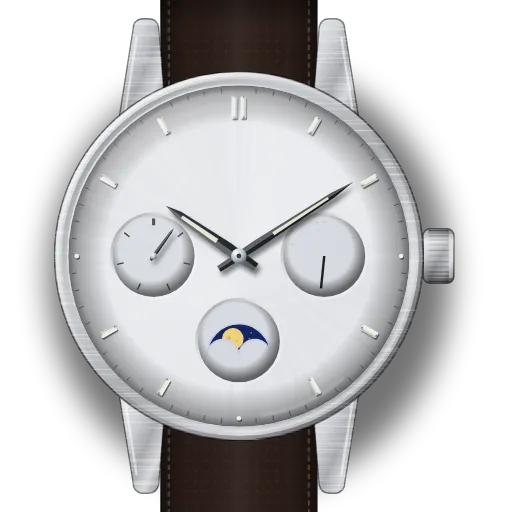
Module 3744 (day, date and moon dials, for example the MTP-M300) and module 5722 (three hands and a moon dial, for example the MTP-M100). One guide covers both modules, with separate steps for each.
Related guides
Sources
- CASIO Operation Guide 3198/3299 (MA1205-EA), pages E-4 to E-18, E-33, E-34, E-36, L-2 (manufacturer PDF)
- CASIO Watch Operation Guide 3575 (MA2610-EB), pages 2, 7, 8, 12–16, 26, 28 (manufacturer PDF)
- CASIO Watch Operation Guide 3578 (MA2610-EB, same text as 3575) (manufacturer PDF)
- CASIO Operation Guide 3744 (MA0408-EA): day, day of the week, moon phase, time (manufacturer PDF)
- CASIO User's Guide 5722 (MA2304-A): moon phase indicator, time, screw-in crown (manufacturer PDF)
- CASIO Operation Guide 593, 10B+7L (Ver.C) (MA1211-ED), page 1: Reading the display, Setting time and calendar, Setting daily alarm, On or off setting, Stopwatch operation, Specifications (manufacturer PDF)
- CASIO America support: Where can I get a watch manual (module number on the back of the watch)