Casio GW-BX5600 time sync (modules 3578 and 3575)
Quick steps · Casio GW-BX5600 and GMW-BZ5000, modules 3578 and 3575:
- Hold A for 2 seconds to open the settings.
- Press C 12 times until RECEIVING shows.
- Press D to select ON, because OFF also stops radio reception.
- Press A to finish.
- Put the watch near a window, 12 o'clock side toward it.
- To receive now, hold D for 2 seconds until RCVD flashes.
- RCVD stays on after a good receive; FAILED shows if it fails.
At a glance
| Modules | Casio has a guide for module 3575 and one for 3578. The text is the same (MA2610-EB). Fan listings give 3575 for the GMW-BZ5000 and 3578 for the GW-BX5600. Check the number on your case back. |
|---|---|
| Buttons | As Casio draws them: A upper left, B upper right, C lower left, D lower right. A: hold 2 seconds for the settings. B: light. C: next mode, or hold 1 second for the Timekeeping Mode. D: changes a setting (p. 2). |
| Two ways to sync | Phone: the CASIO WATCHES app corrects the time four times a day while it runs. Radio: JJY, BPC, WWVB, MSF or DCF77, tried between midnight and 5:00 a.m. (pp. 7, 13). |
| Radio as the fallback | Casio says that if the watch could not connect to the phone once in the previous day, it tries the time signal itself. It needs a Home City where a signal can be received (pp. 12, 13). |
| One switch | RECEIVING in the settings turns auto time correction ON or OFF. Casio lists "auto time correction is disabled" as a case where signal reception is not possible. I found no radio-only switch (pp. 14, 16). |
| Last signal | The RCVD indicator shows after a successful signal receive or phone correction. The guide has no screen with the date or time of the last receive (p. 2). |
| After a manual setting | The phone's auto time correction stops for 24 hours after you set the time with the buttons. A swap of Home Time and World Time also starts this 24-hour pause (pp. 9, 28). |
| Not in the manual | The model names, a way to stop the app from logging location at each sync, and whether RCVD came from the radio or the phone. |
What do you need to set?
Choose how the time syncs
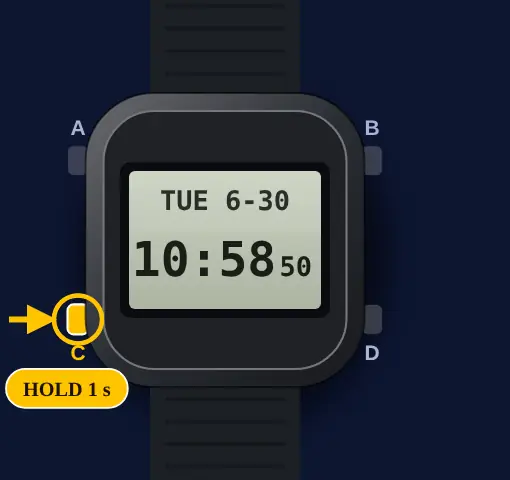
- 1
Go to the Timekeeping Mode
Hold button C for 1 second or more. The watch goes back to the Timekeeping Mode.
- 2
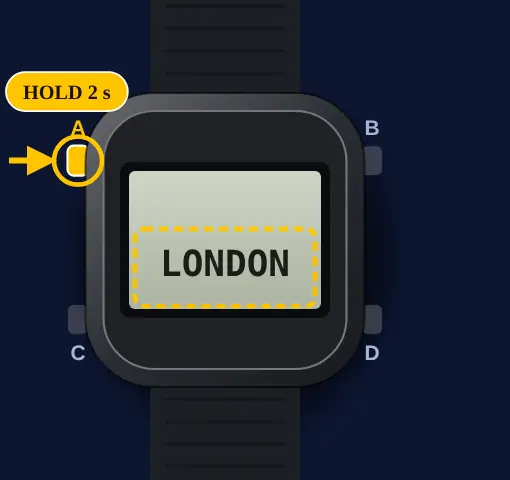
Open the setting screen
Hold button A for 2 seconds or more. Release it when the Home City name shows.
- 3
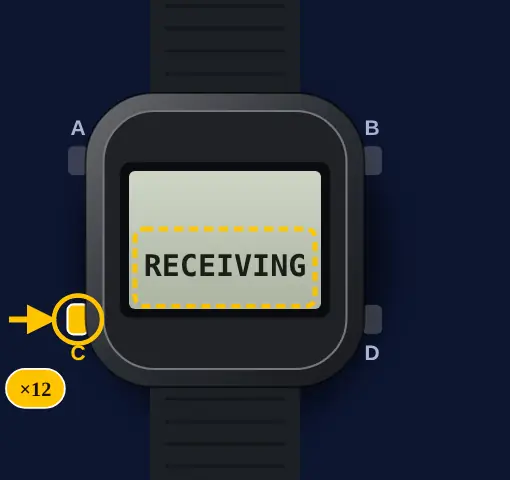
Press button C 12 times
Press button C 12 times. The display shows RECEIVING.
- 4
Set RECEIVING to ON
Press button D to change the setting. Select ON. OFF stops phone correction and time signal reception.
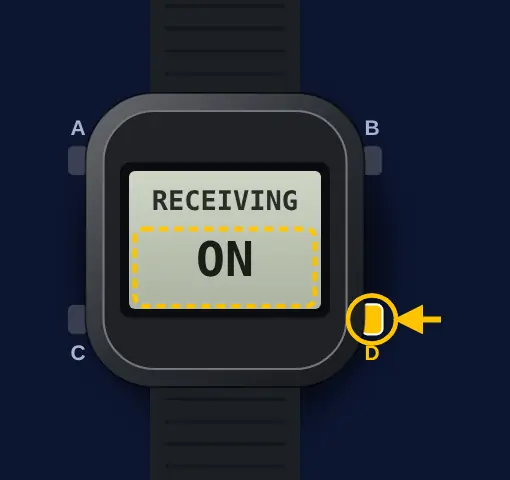 Casio gives one switch for all auto time correction. The guide shows no switch for the time signal only. With OFF, Casio says time signal reception is not possible (pp. 14, 16).
- 5
Press button A
Press button A to complete the setting. The watch goes back to the Timekeeping Mode.
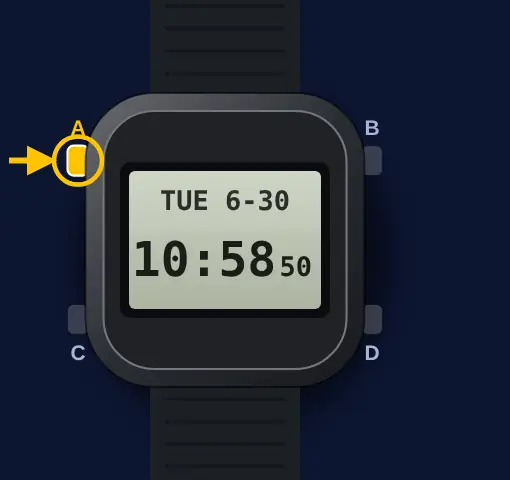 With ON, the watch corrects the time from the phone four times a day. Casio says it tries the time signal if it could not connect to the phone in the previous day. It does not auto receive while it is connected to the phone (pp. 7, 12, 26).
Receive the time signal and check it
- 1
Put the watch near a window
Turn the 12 o'clock side toward the window. Keep metal objects away. Do not move the watch.
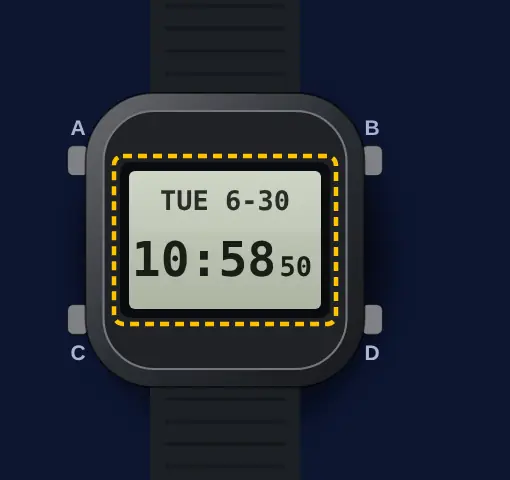 Reception is better at night. Casio says it is not possible in the Stopwatch, Timer or Alarm Mode, with low battery power, or with auto time correction OFF (pp. 13, 14).
- 2
Go to the Timekeeping Mode
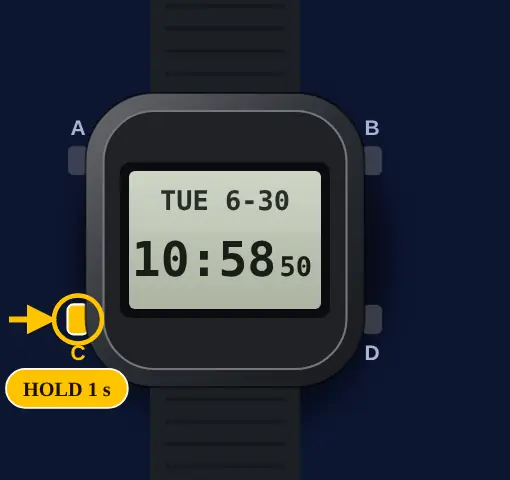
Hold button C for 1 second or more. The watch goes back to the Timekeeping Mode.
- 3
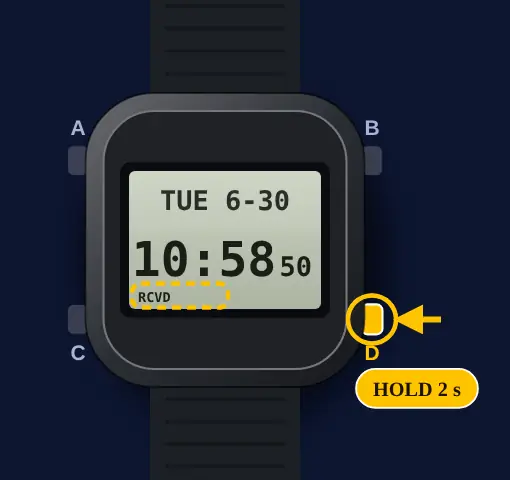
Hold button D
Hold button D for 2 seconds or more. Release it when RCVD flashes.
- 4
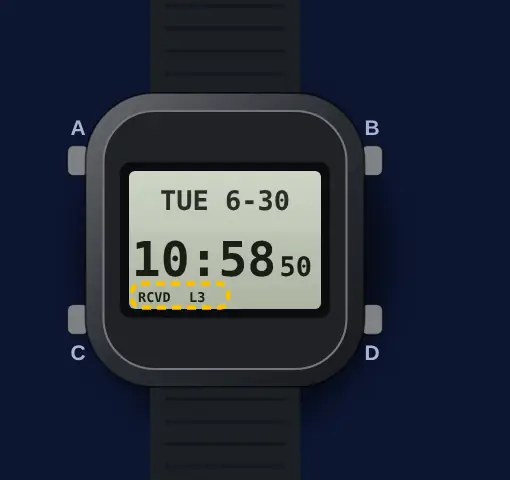
Wait and do not touch the watch
Reception takes about 2 to 10 minutes. It can take 20 minutes. L1, L2 or L3 shows the signal level.
- 5
Read the result
RCVD stays on when reception is successful. FAILED shows when reception fails. Press any button to go back.
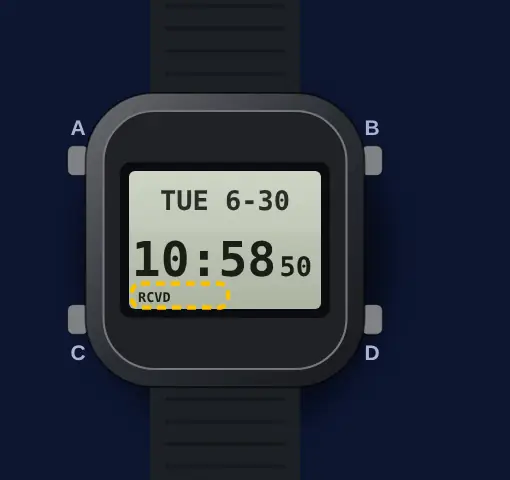 RCVD also shows after a successful phone correction. It goes off after you change the Home City, time, date or summer time with the buttons, after a summer time change, or after a failed attempt. The guide shows no date or time of the last signal (pp. 2, 13, 14).
Set the home city
- 1
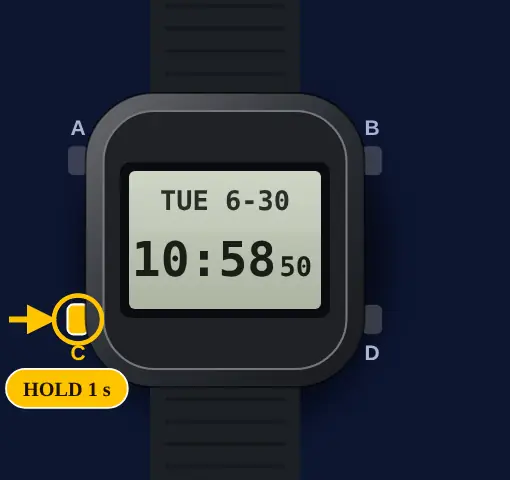
Go to the Timekeeping Mode
Hold button C for 1 second or more. The watch goes back to the Timekeeping Mode.
- 2
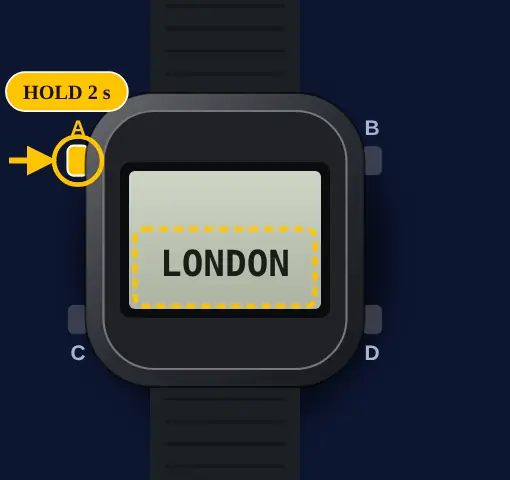
Open the setting screen
Hold button A for 2 seconds or more. Release it when the Home City name shows.
- 3
Select your Home City
Press button B or D to change the city. Hold the button to scroll fast.
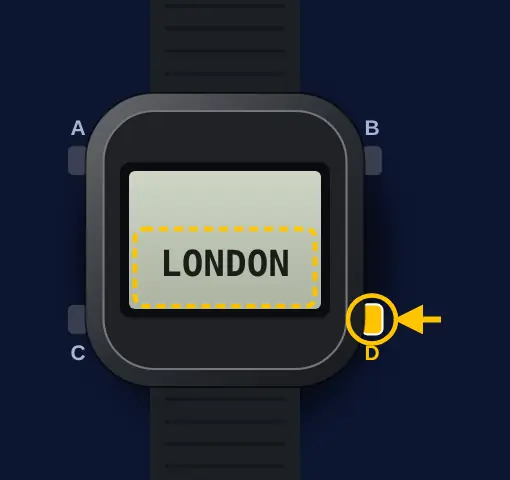 Select a city where a time signal can be received. If not, the watch cannot receive one (p. 13).
- 4
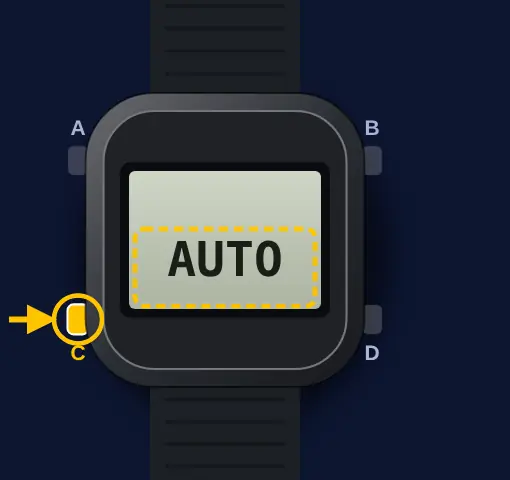
Press button C
Press button C. The summer time setting flashes.
- 5
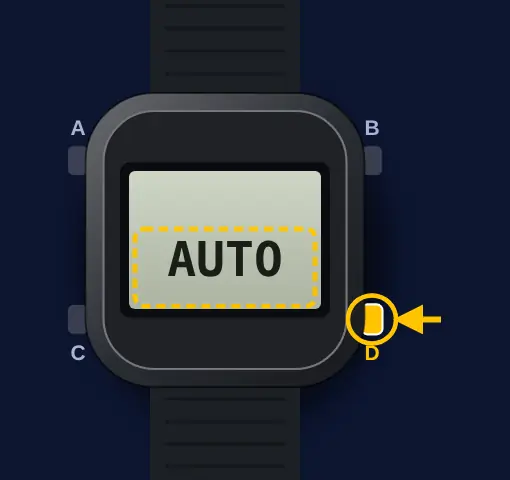
Select the summer time setting
Press button D to select AUTO, OFF or ON. AUTO is the factory setting.
- 6
Press button A
Press button A to complete the setting. The watch goes back to the Timekeeping Mode.
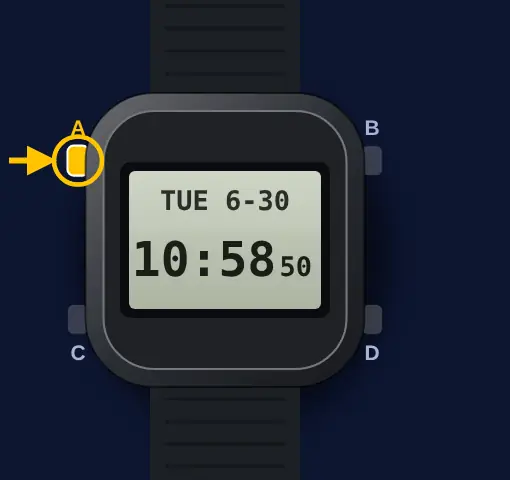
Turn summer time (DST) on or off
- 1
Go to the Timekeeping Mode
Hold button C for 1 second or more. The watch goes back to the Timekeeping Mode.
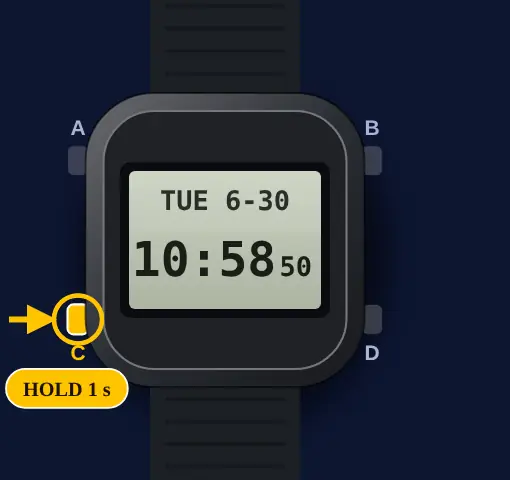
- 2
Open the setting screen
Hold button A for 2 seconds or more. Release it when the Home City name shows.
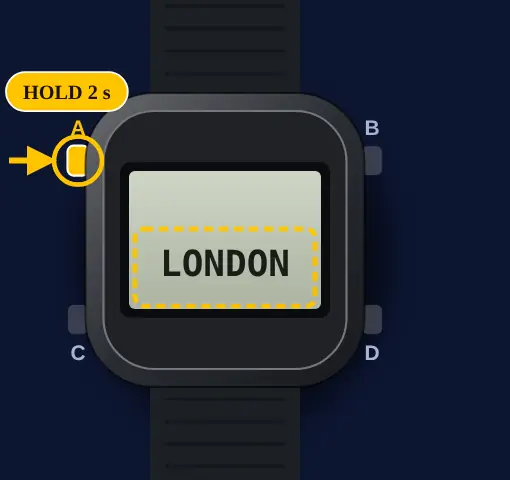
- 3
Press button C once
Press button C one time. The summer time setting flashes.
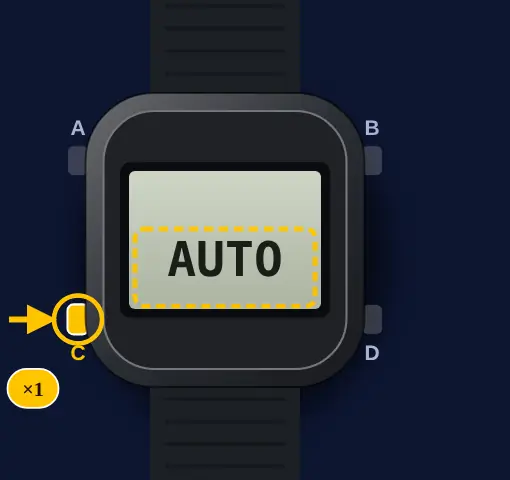
- 4
Select AUTO, OFF or ON
Press button D. Each press shows the next setting.
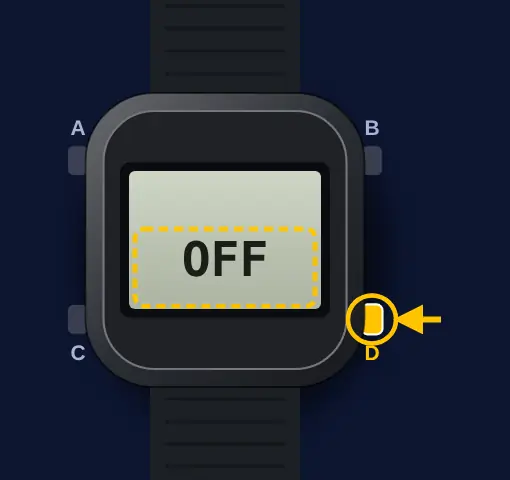 AUTO changes between standard time and summer time automatically. OFF always shows standard time. ON always shows summer time (p. 15).
- 5
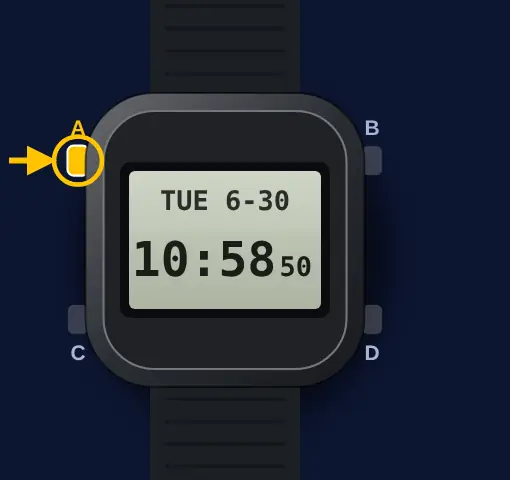
Press button A
Press button A to complete the setting. The watch goes back to the Timekeeping Mode.
Set the time
- 1
Go to the Timekeeping Mode
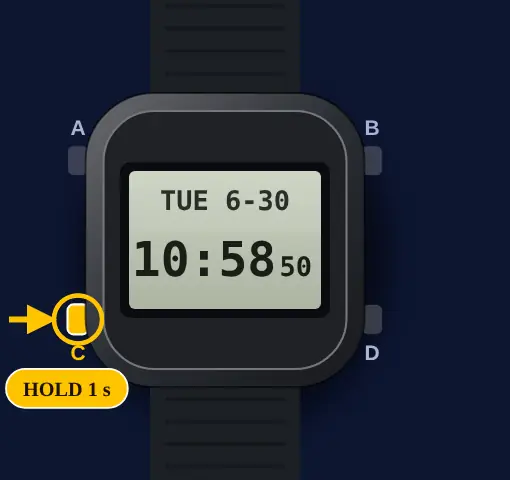
Hold button C for 1 second or more. The watch goes back to the Timekeeping Mode.
- 2
Open the setting screen
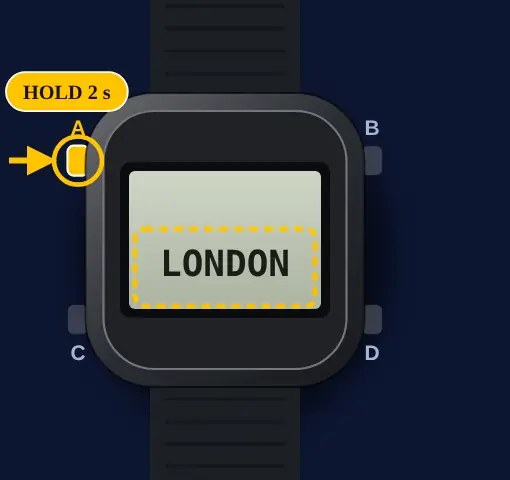
Hold button A for 2 seconds or more. Release it when the Home City name shows.
- 3
Go to the next setting
Press button C to move to the next setting. The order is Home City, summer time, seconds, hours, minutes, year, month, day.
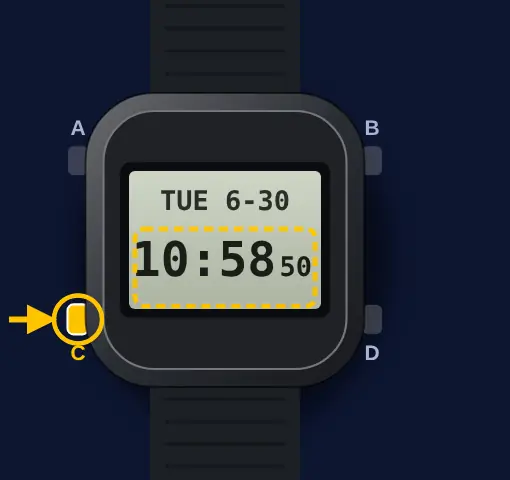
- 4
Change the setting
Press button D to reset the seconds to 00. Use buttons B and D for the other settings.
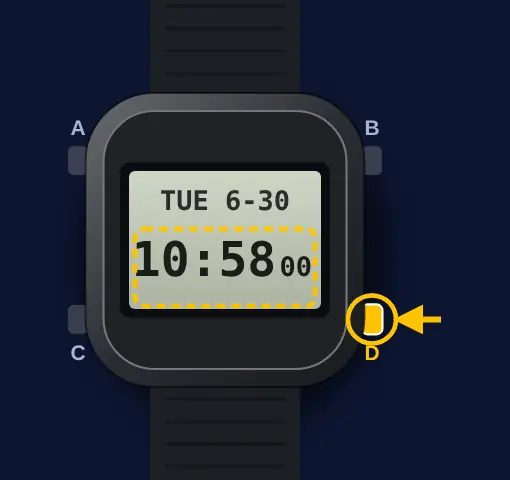 If the seconds are at 30 to 59, the reset adds 1 to the minutes (p. 15).
- 5
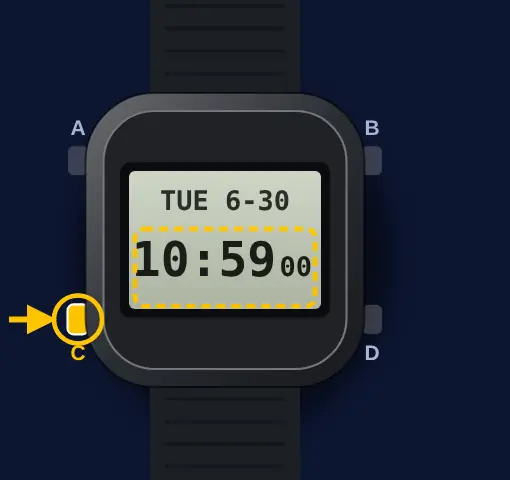
Do the next setting
Repeat the two steps above for each setting you want to change.
- 6
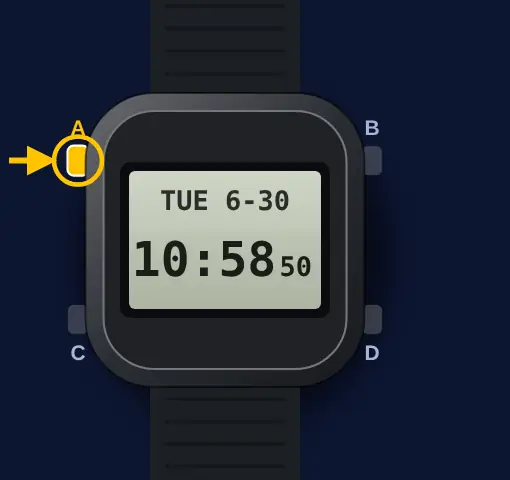
Press button A
Press button A to complete the setting. The watch goes back to the Timekeeping Mode.
 Casio says the phone's auto time correction stops for 24 hours after you set the time with the buttons. A swap of Home Time and World Time also starts this 24-hour pause (pp. 9, 28). A manual time change also cancels auto summer time switching (p. 8).
What Casio's guide doesn't say
- I went through Casio's guide 3575 for one question: can you keep the Multi-Band 6 radio sync and stop the phone sync? The guide has no setting for that. RECEIVING is all or nothing.
- What it does say: with the watch paired and RECEIVING ON, the watch tries the radio signal after a day without a phone connection. So if the app can't reach the watch, radio takes over. The guide doesn't say this is a supported way to use it.
- It also says your phone records your location when you start a time correction from the watch (p. 7). I found no setting in the guide to turn that off.
What owners run into
- Turned RECEIVING to OFF to stop the phone sync? That also stops the radio signal. Casio lists it as a case where reception is not possible.
- Never syncs by radio? It does not auto receive while it is connected to the phone. Check that the Home City is one with a time signal.
- Set the time by hand and the phone did not correct it? Casio says the phone's auto time correction stops for 24 hours after a manual setting. A swap of Home Time and World Time does the same.
- RCVD is on, but from what? The guide uses the same RCVD for a signal receive and a phone correction.
How it differs from similar watches
This is a digital watch with four buttons and no crown. Unlike the Casio F-91W and the AE-1200WH, it can correct the time from a radio signal or a phone. The other Casio guide here, module 3744, is an analog moon phase watch set with the crown.
Quick answers
How do I sync a Casio GW-BX5600 by radio only?
The guide has no radio-only setting. Leave RECEIVING ON. Casio says the watch tries the time signal if it could not reach the phone in the previous day. You can also hold D for 2 seconds to receive now.
How do I check the last time signal on module 3575?
Look for RCVD on the display. It shows after a successful receive or phone correction. The guide has no screen with the date of the last receive.
How do I set the time by hand on a GW-BX5600?
In the Timekeeping Mode, hold A for 2 seconds. Press C to move to a setting. Use B and D to change it. Press A to finish.
Why did my G-Shock stop syncing after I set the time?
Casio says the phone's auto time correction stops for 24 hours after you set the time with the buttons. A swap of Home Time and World Time also starts this pause. It starts again after 24 hours.
Does turning off RECEIVING stop the radio sync too?
Yes. Casio lists "auto time correction is disabled" as a case where time signal reception is not possible.