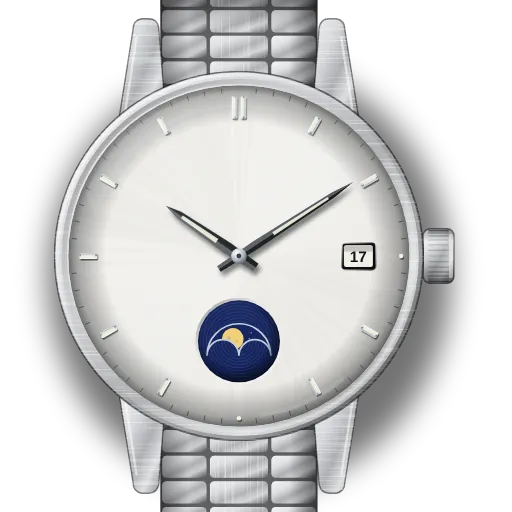
How to set your Tissot moon phase watch
I have one Tissot guide. It covers Tissot quartz analogue watches with a moon phase. The steps come from Tissot's instructions for quartz analogue watches, no. 156.
The crown has three positions. Position I is the normal position. At position II you set the moon and the date. At position III you set the time, and the seconds hand stops.
At position II, turn the crown clockwise to set the date. Turn it anti-clockwise (backwards) to correct the moon phase, or the day on models that show the day. Tissot's manual gives the same direction for both.
To set the moon, turn backwards until the full moon is in the centre of the window. Then turn one more notch back for each day since the last full moon.
Do not set the moon or the date between 22:00 and 02:00 on the dial. Some models have a screw-down crown. Unscrew it before you pull it out, and screw it down again after, or the watch is not water resistant.
The most common problem is turning the wrong way at position II. Then you set the date instead of the moon, or the reverse.
Find your model
Find your reference or calibre in the table. Then open its guide.
| Reference | Model | Calibre |
|---|---|---|
| models with moon phase | Tissot quartz with moon phase | Tissot quartz analogue |