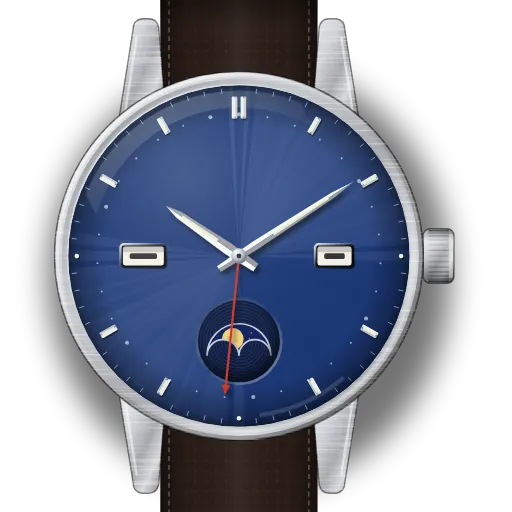
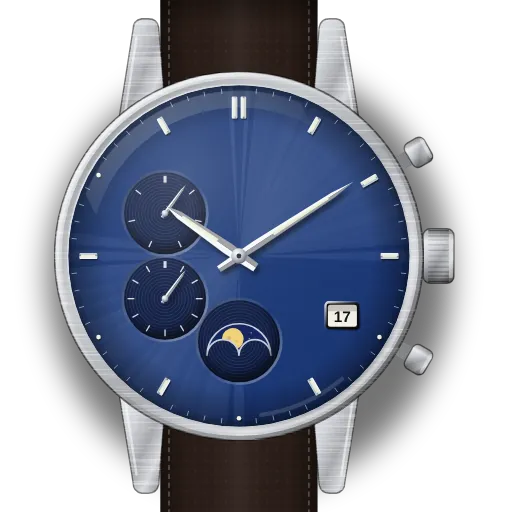
How to set your Citizen moon phase watch
I have two Citizen guides. Both watches are Eco-Drive, and both show the moon. But they set up in very different ways.
The Calendrier with calibre 8730 is a full calendar. It shows the month, day, date and moon. One crown and one recessed button set it all. Citizen gives an order: day, moon, month, date, then time. Press the month button at 2 o'clock with a pointed tip. Do not set the date between 9 pm and midnight on the dial. A full charge runs for about 6 months.
The Tsuki-yomi A-T with calibre H874 is radio controlled. It calculates the moon itself. You use button B and the crown to check its reference position. Citizen says to check it if the time or calendar is wrong after a good signal reception. Button A can move the moon up to 2 days either way.
Find your model
Find your reference or calibre in the table. Then open its guide.
| Reference | Model | Calibre |
|---|---|---|
| BU0050-02L | Citizen Eco-Drive Calendrier Moonphase | Citizen 8730 |
| BY1010-57L, BY1010-57H, BY1018-55X | Citizen Tsuki-yomi A-T (caliber H874) | Citizen H874 |